> ## Documentation Index
> Fetch the complete documentation index at: https://docs.generalreferral.com/llms.txt
> Use this file to discover all available pages before exploring further.
# Onboarding: Your Logo & Colors
When your team is set up, you choose the branding your agents see — your logo and
your team color. This makes the experience feel like *your* brand, not a generic
one.
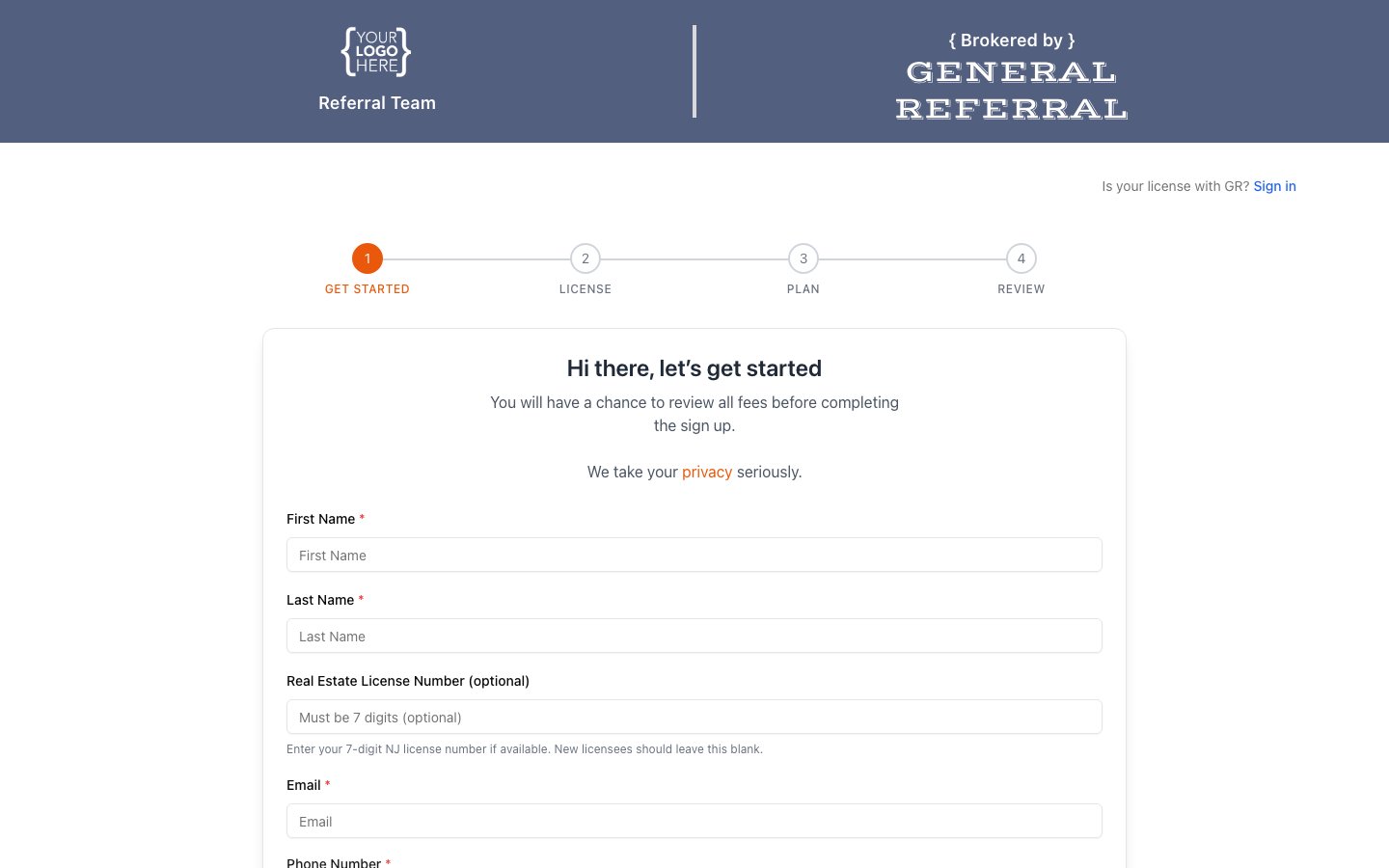
**Where your branding appears:**
* Your **branded join page** (your team's `yourteam.generalreferral.com` link),
which you share to recruit agents.
* The **portal your agents see when they log in** — your logo and color carry
through their experience.
 **What you provide at onboarding:**
* A **logo** (we use a light version and a dark version so it looks right on any
background).
* A **primary color** (your brand color, used for accents and buttons).
**How to set it up or make changes:**
* Branding is configured by the General Referral team during onboarding — just send
us your logo files and color, and we'll set it up.
* To update your logo or color later, contact General Referral support and we'll
make the change for you.
> Self-service logo/color editing isn't available in the portal yet — for now,
> branding changes go through General Referral.
**What you provide at onboarding:**
* A **logo** (we use a light version and a dark version so it looks right on any
background).
* A **primary color** (your brand color, used for accents and buttons).
**How to set it up or make changes:**
* Branding is configured by the General Referral team during onboarding — just send
us your logo files and color, and we'll set it up.
* To update your logo or color later, contact General Referral support and we'll
make the change for you.
> Self-service logo/color editing isn't available in the portal yet — for now,
> branding changes go through General Referral.