> ## Documentation Index
> Fetch the complete documentation index at: https://docs.generalreferral.com/llms.txt
> Use this file to discover all available pages before exploring further.
# Your Team Dashboard
Your dashboard is the home screen of your team portal. It gives you an at-a-glance
view of how your team is growing.
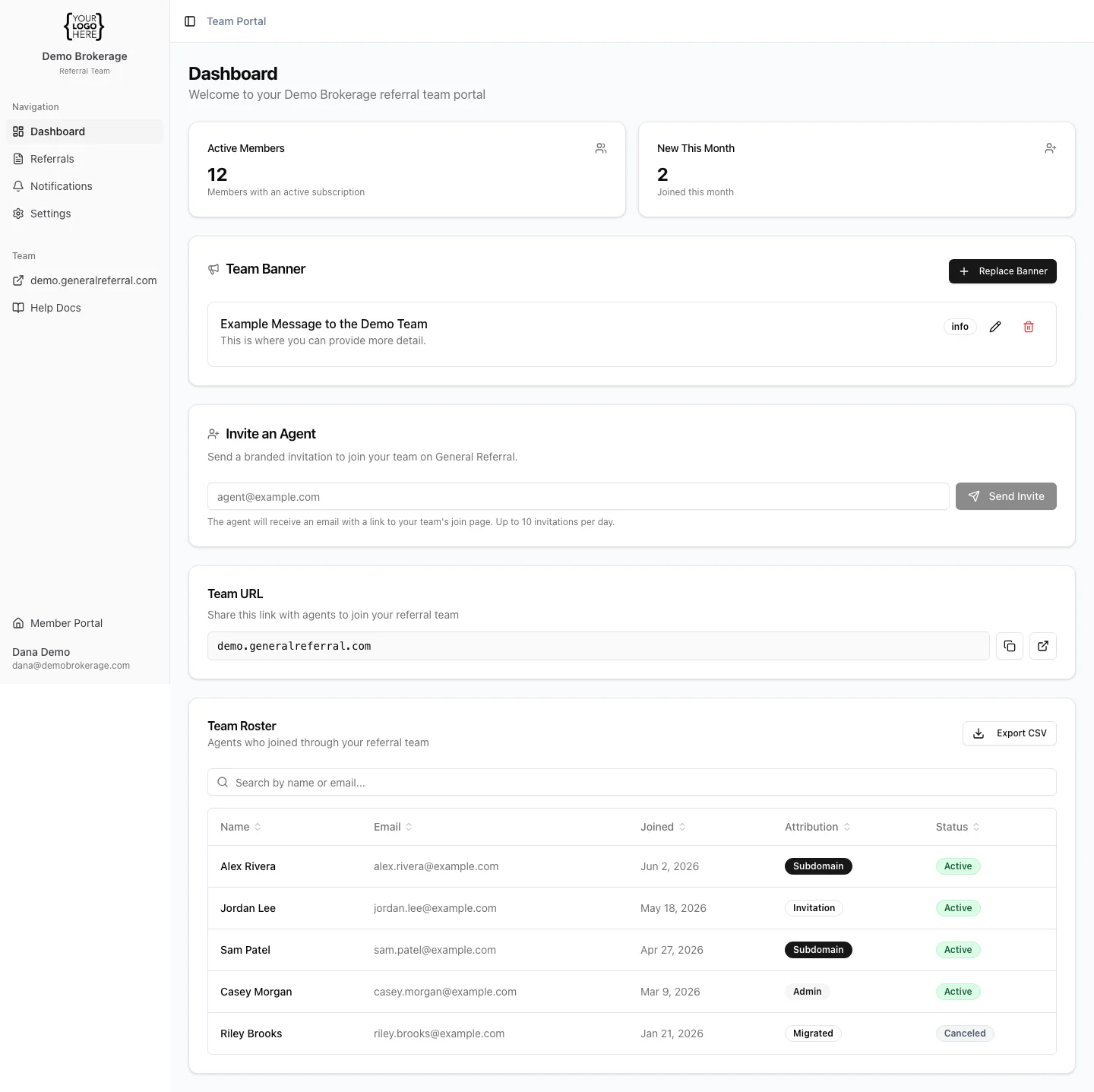 **What you'll see:**
* **Active members** — the number of agents on your team with an active subscription.
* **New this month** — how many agents joined since the start of the current month.
**Tips:**
* The dashboard updates automatically as agents join — there's nothing to refresh
or maintain.
* For a member-by-member breakdown (including who has an active vs. canceled
subscription), open the **Roster**.
If your member count looks off, check the Roster first — it's the source of truth
for who's on your team.
**What you'll see:**
* **Active members** — the number of agents on your team with an active subscription.
* **New this month** — how many agents joined since the start of the current month.
**Tips:**
* The dashboard updates automatically as agents join — there's nothing to refresh
or maintain.
* For a member-by-member breakdown (including who has an active vs. canceled
subscription), open the **Roster**.
If your member count looks off, check the Roster first — it's the source of truth
for who's on your team.