

- Your branded join page (your team’s
yourteam.generalreferral.comlink), which you share to recruit agents. - The portal your agents see when they log in — your logo and color carry through their experience.
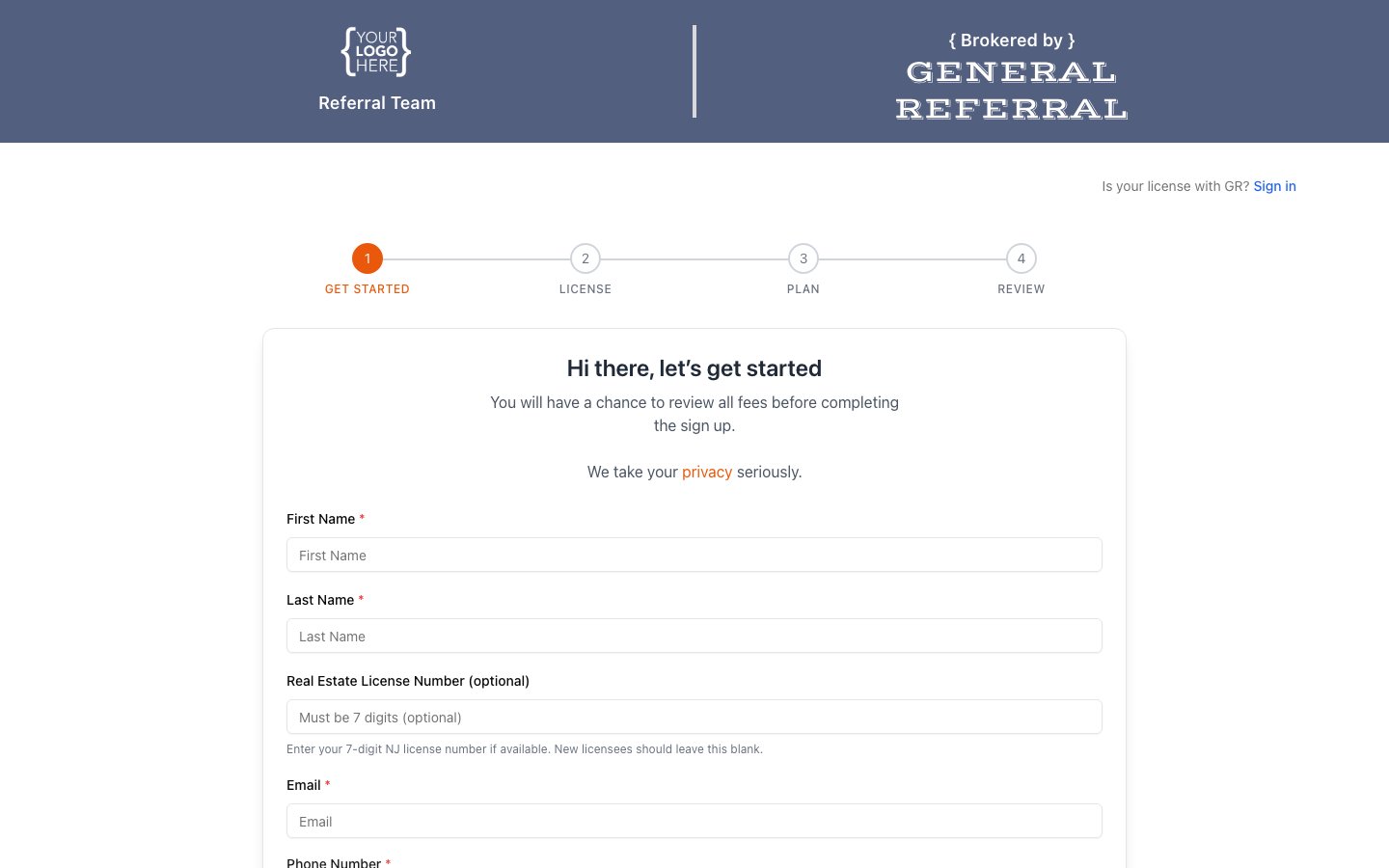
- A logo (we use a light version and a dark version so it looks right on any background).
- A primary color (your brand color, used for accents and buttons).
- Branding is configured by the General Referral team during onboarding — just send us your logo files and color, and we’ll set it up.
- To update your logo or color later, contact General Referral support and we’ll make the change for you.
Self-service logo/color editing isn’t available in the portal yet — for now, branding changes go through General Referral.