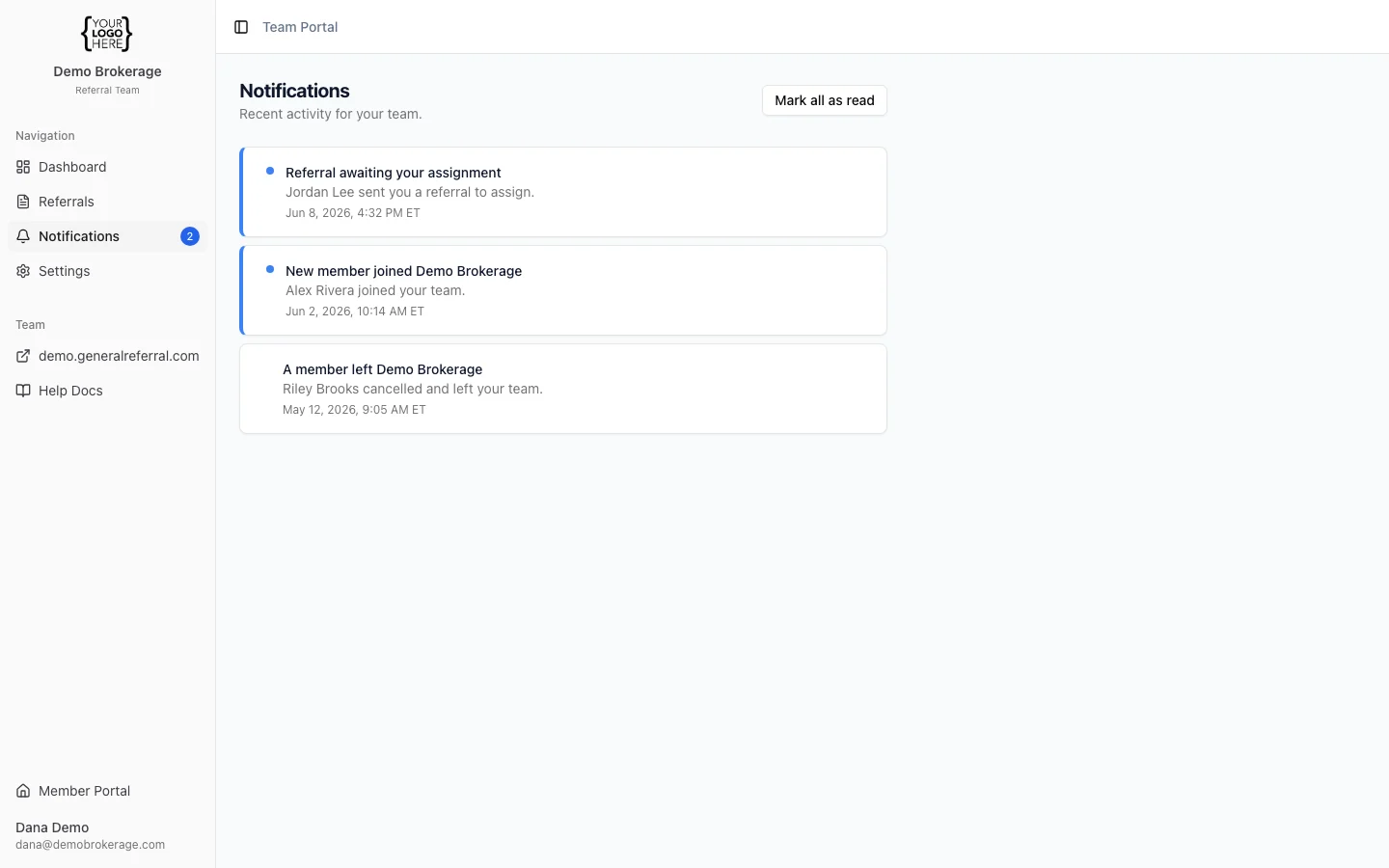
- In-app feed — open Notifications in the portal. A badge on the menu shows how many are unread; “Mark all as read” clears it. The in-app feed is always on — every team event lands here.
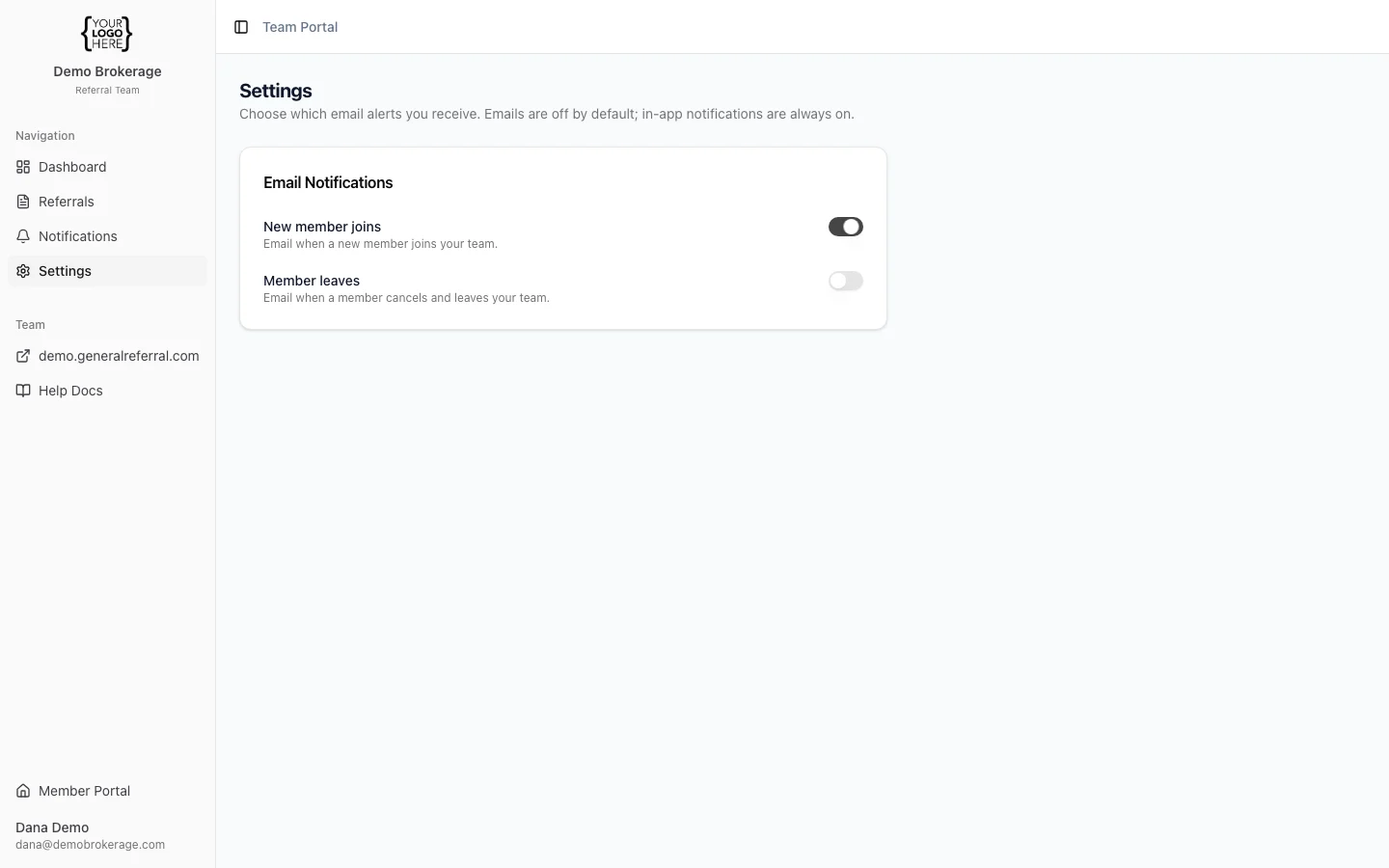
- Email — the same alerts can also be sent to your inbox. You choose which.
- A new member joins your team
- A member leaves (their subscription is canceled)
- A referral awaits your assignment — a team member delegated a referral for you to assign (see Delegated Referrals)
- Go to Settings → Email Notifications.
- Emails are off by default — flip on the ones you want. The toggles only control email; the in-app feed keeps working either way.