

-
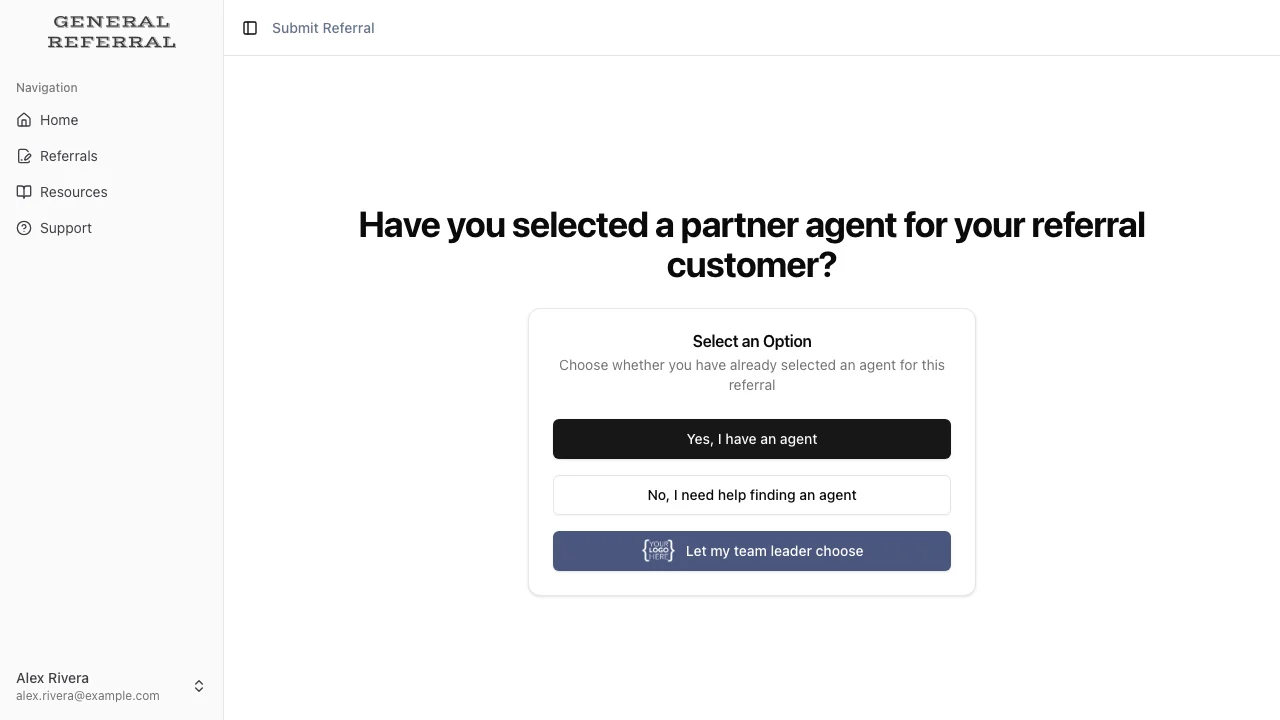
Your agent starts a referral and picks “Let my team leader choose.” They
enter the client (up to two, e.g. a couple — more go in the notes), what the
client needs, and the agreement terms, which are pre-filled with the
standard 25% referral fee, 24-month duration, and 10-day payment due. No
receiving agent.
- You’re notified right away (in-app and email — this alert is always on).
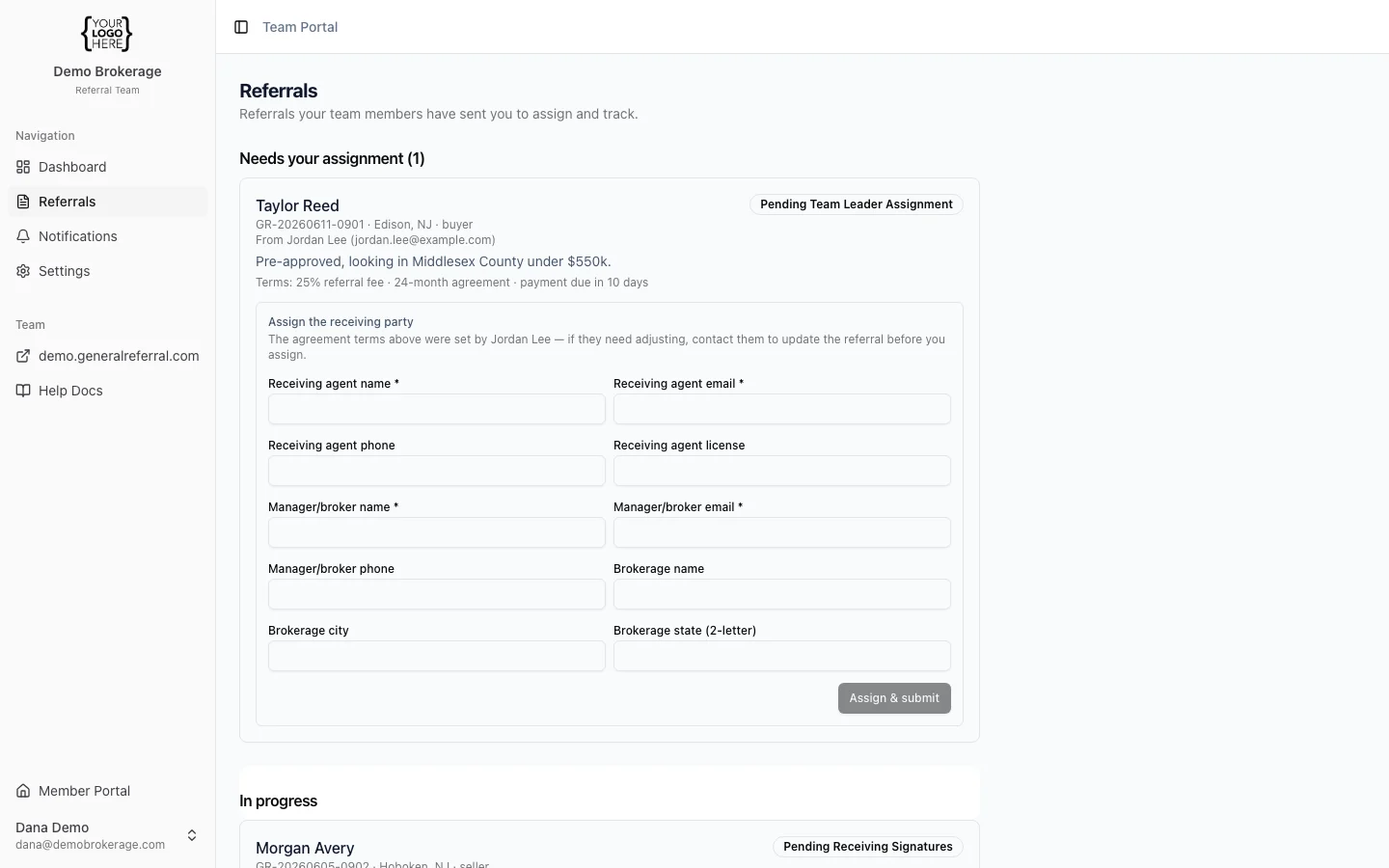
- You open Referrals → Needs your assignment and review the client details and the terms your agent set. The terms belong to the agent — if you’d like different ones, contact the agent; they can update the terms right up until you assign the referral.
-
Fill in the receiving agent and manager/broker. You can name yourself in
either or both roles.
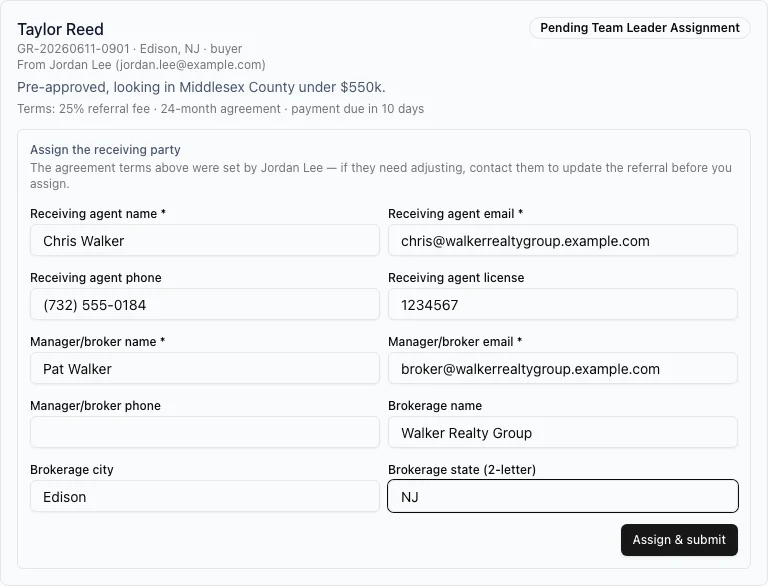
- Once you assign it, the referral enters General Referral’s normal review and signing flow — and your agent is notified it’s moving.
- Needs your assignment — waiting on you.
- In progress — assigned and moving through signatures (you can see who has and hasn’t signed).
- Completed / closed — finished.