

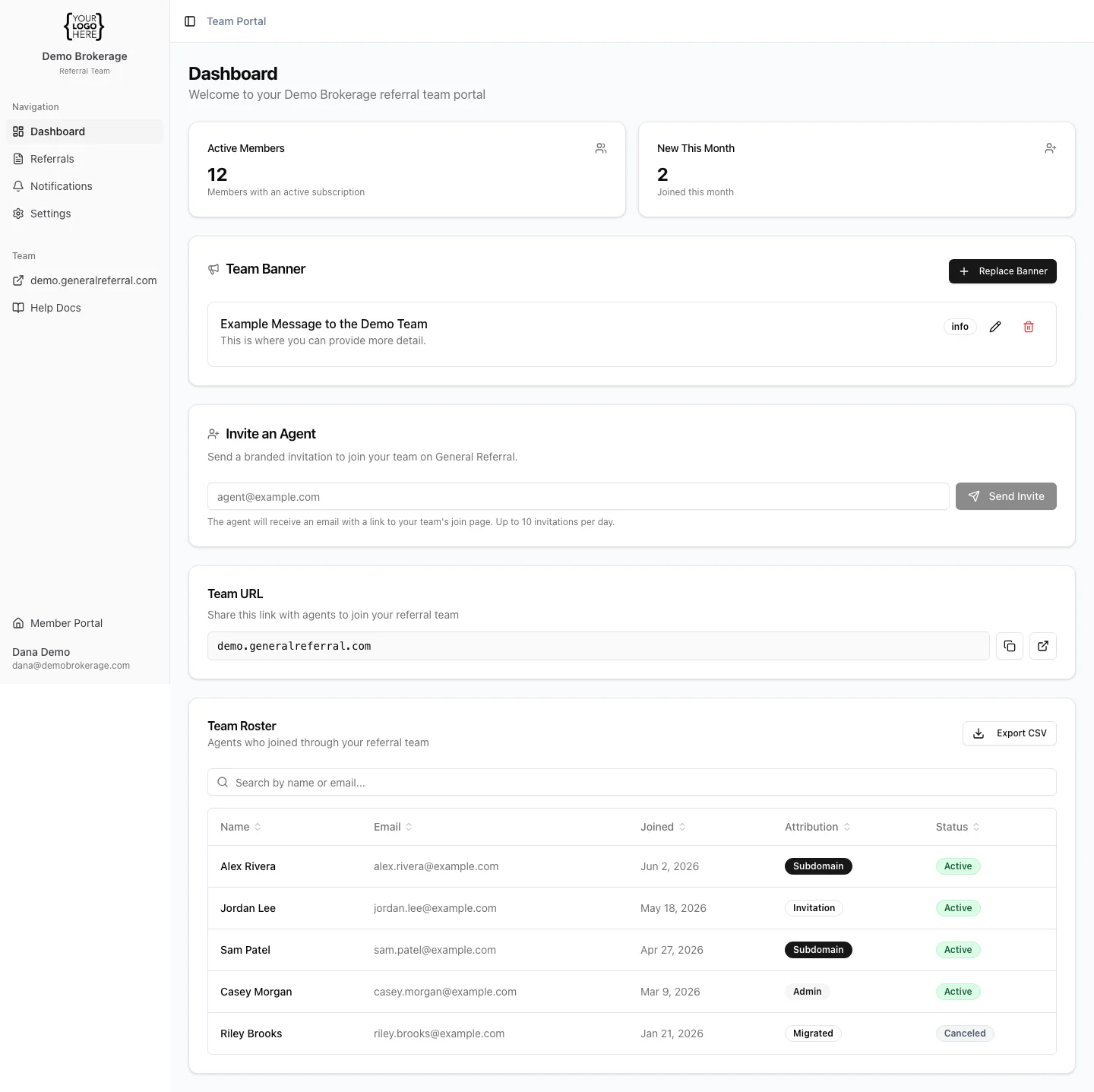
- Active members — the number of agents on your team with an active subscription.
- New this month — how many agents joined since the start of the current month.
- The dashboard updates automatically as agents join — there’s nothing to refresh or maintain.
- For a member-by-member breakdown (including who has an active vs. canceled subscription), open the Roster.