Sign in with your email
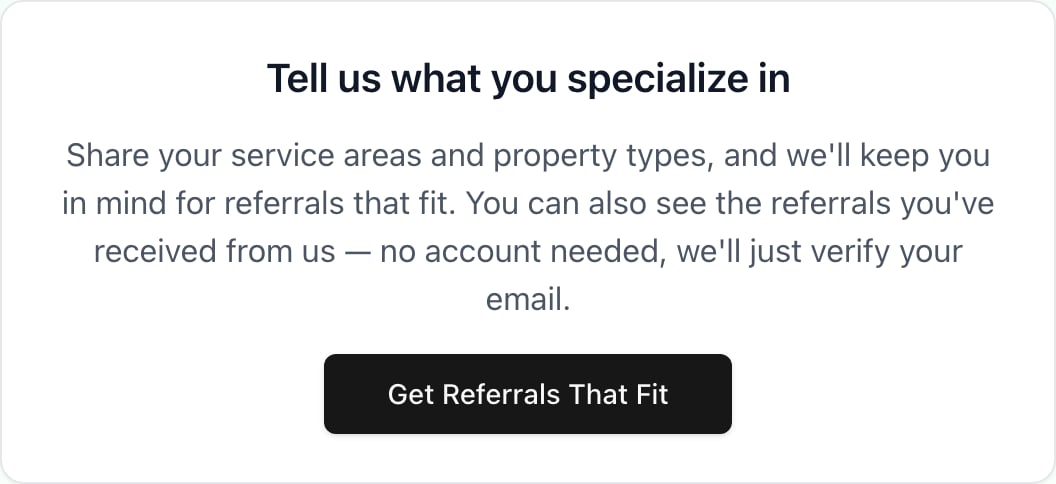
- Go to app.generalreferral.com/partner. If you just signed a referral agreement, you can also click Get Referrals That Fit on the thank-you page:
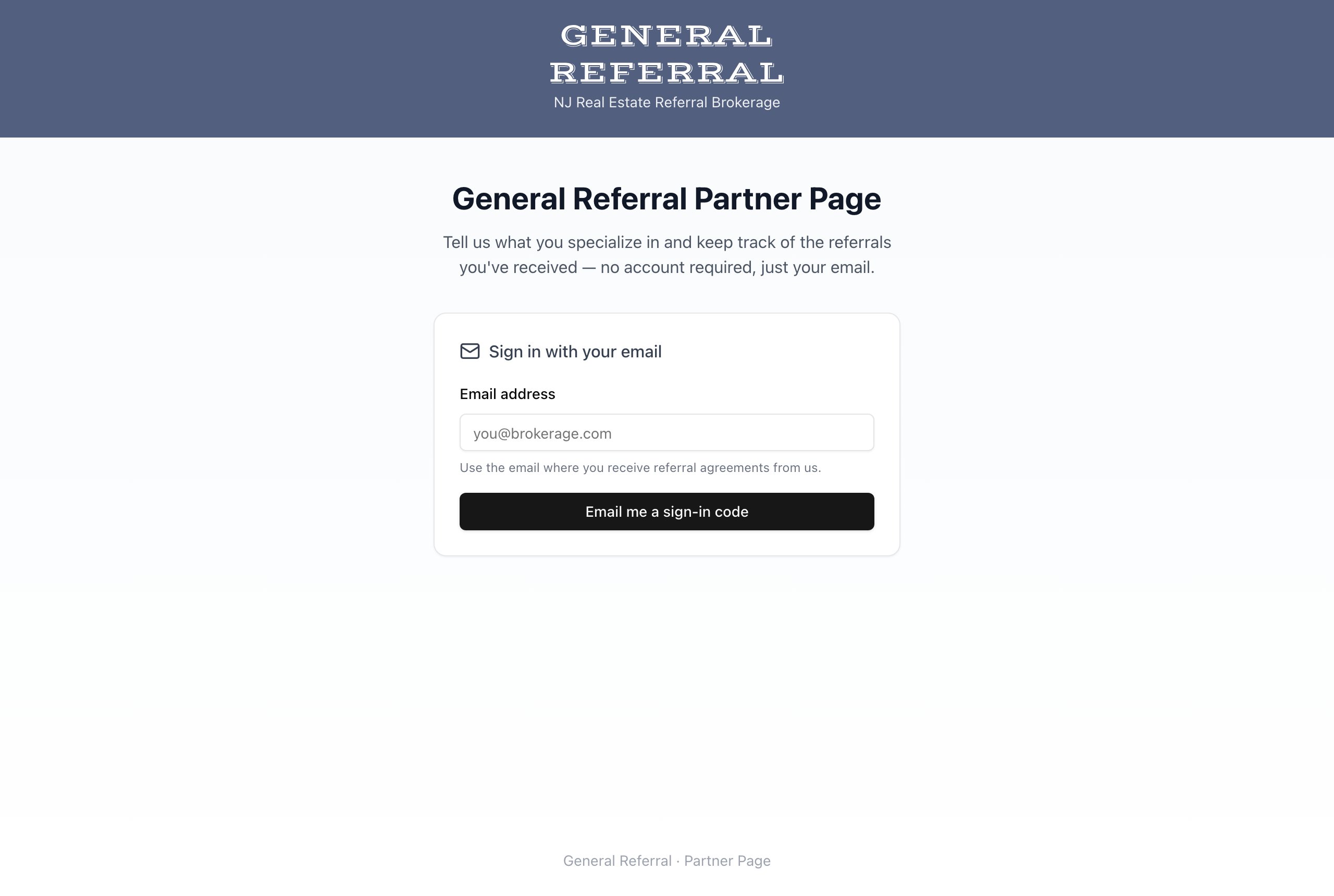
- Enter the email address where you receive referral agreements from us, then select Email me a sign-in code.
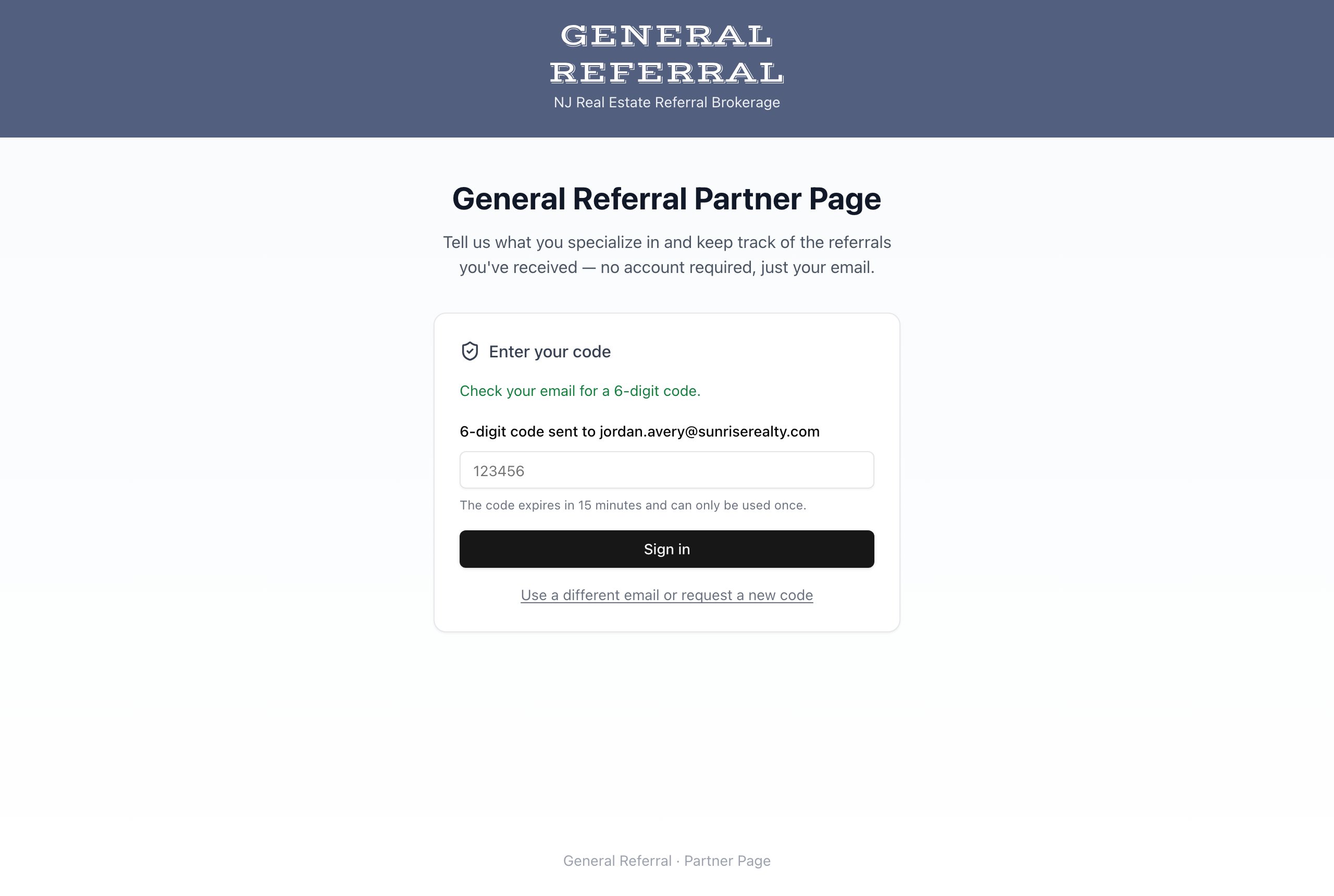
- Check your inbox for a 6-digit code and enter it. The code expires in 15 minutes and can only be used once — if it expires, just request a new one.
Use the same email address where our referral agreements arrive. Signing in with a different address won’t show your referrals.
Tell us what you specialize in
Once you’re signed in, fill out your profile: your name, phone, company, the New Jersey counties you serve, and the property types you work with. When our members have a client that fits your specialties, this is how we keep you in mind.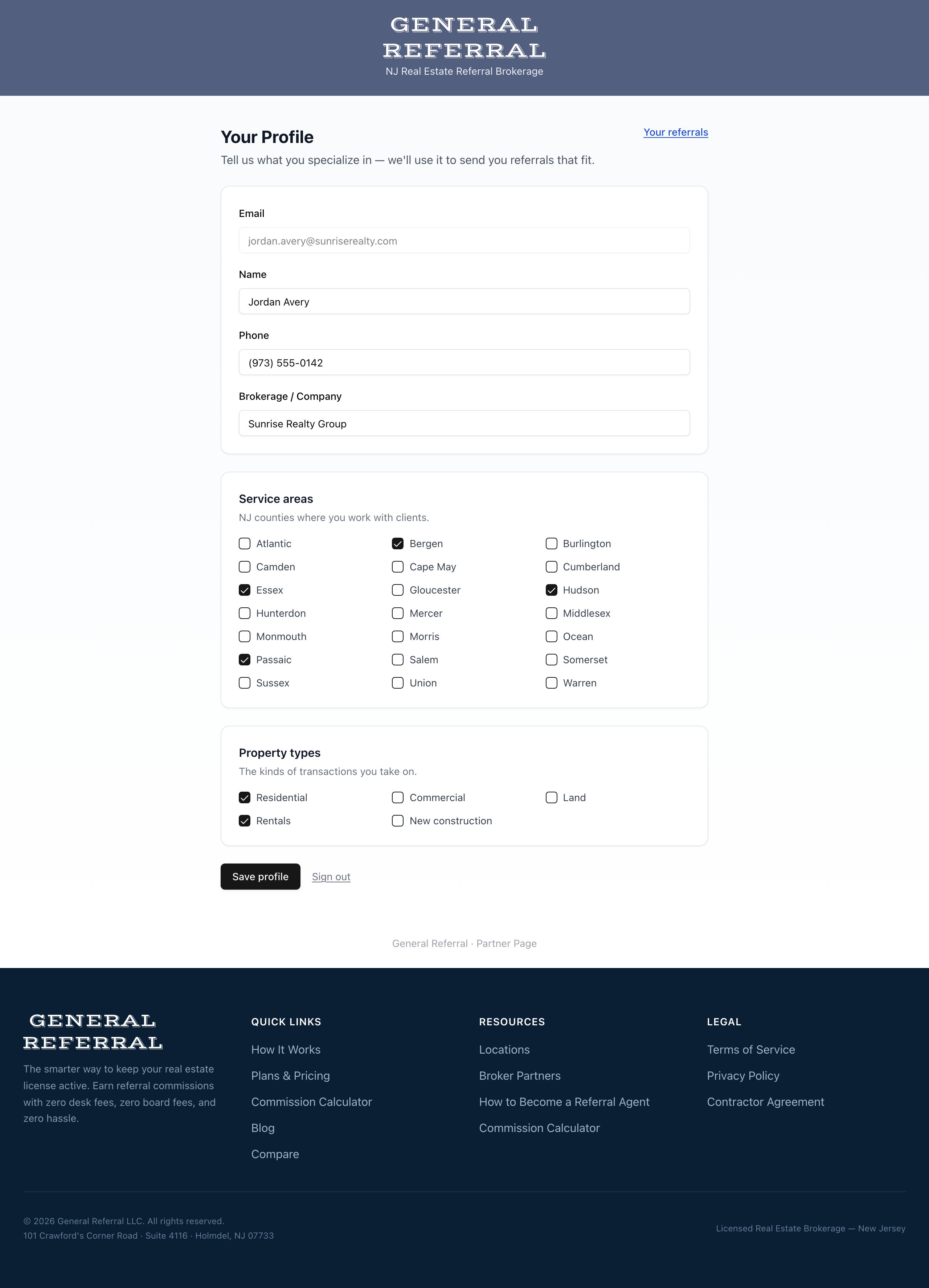
Track the referrals you’ve received
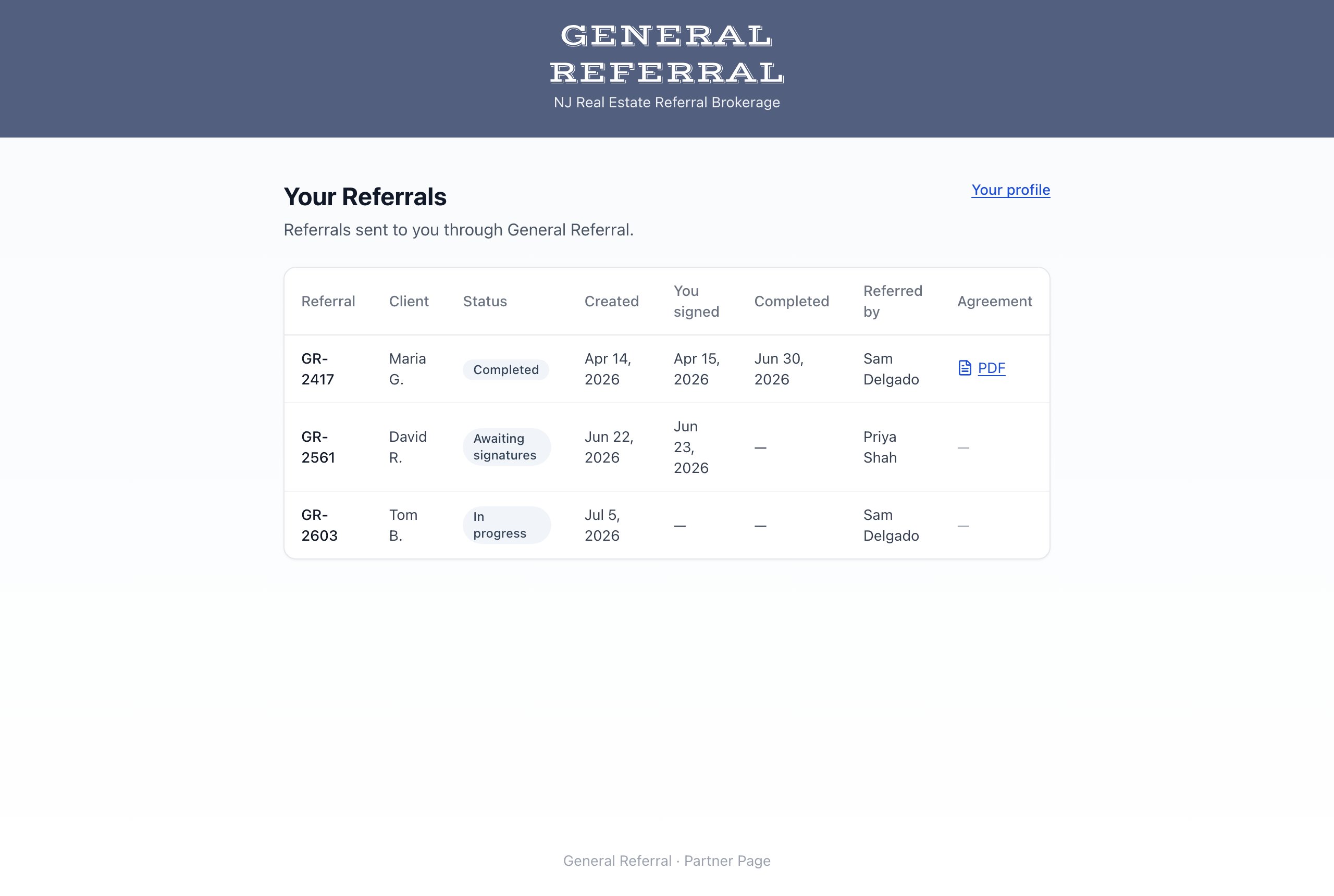
The Your Referrals page lists every referral sent to you through General Referral — the referral number, client, current status, key dates, and the member who referred the client. For completed referrals, you can download the fully executed agreement.